Interactive reactJs prototypes for manufacturing OPM platform.
2024 — Jun 2026
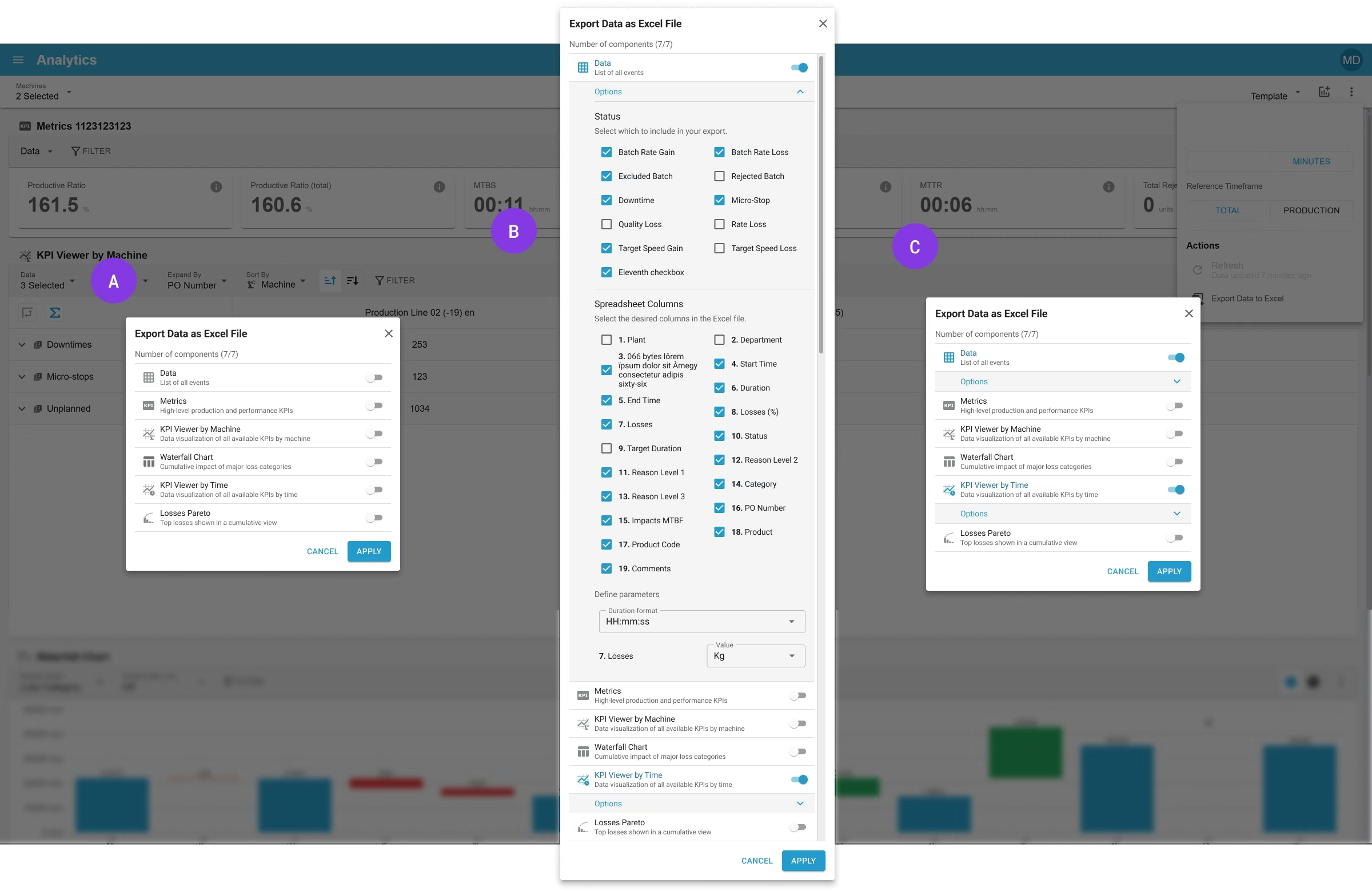
Exporting data as Excel file A: By default all switchs are OFF (false) so no accordions are displayed within the dialog. B: “DATA” option enabled, exporting the list of all checked (✓) options. When toggling the switch to ON (true), the accordion displays all the available options. The user can choose the state of different KPIs (Y axis). His selection is saved as cookie in his preferences for next time. The user can choose which columns (X axis) he wants in the exported Excel files. Also edit the time format to use. If different unit types are available in one dataset he needs to select the one to use. C: “DATA” accordion is active but collapsed.
 Ekhosoft (Power Factors)6 of 6